Follow below steps to setup the user profile picture:
Step 1: From the header bar, click on the Profile Pic and select ‘Profile’.
Step 2: Under My Profile section, click on the ‘General’ tab.
Step 3: Click on ‘Upload’ button and select the image to upload.
NOTE: Image must be in the mentioned format.
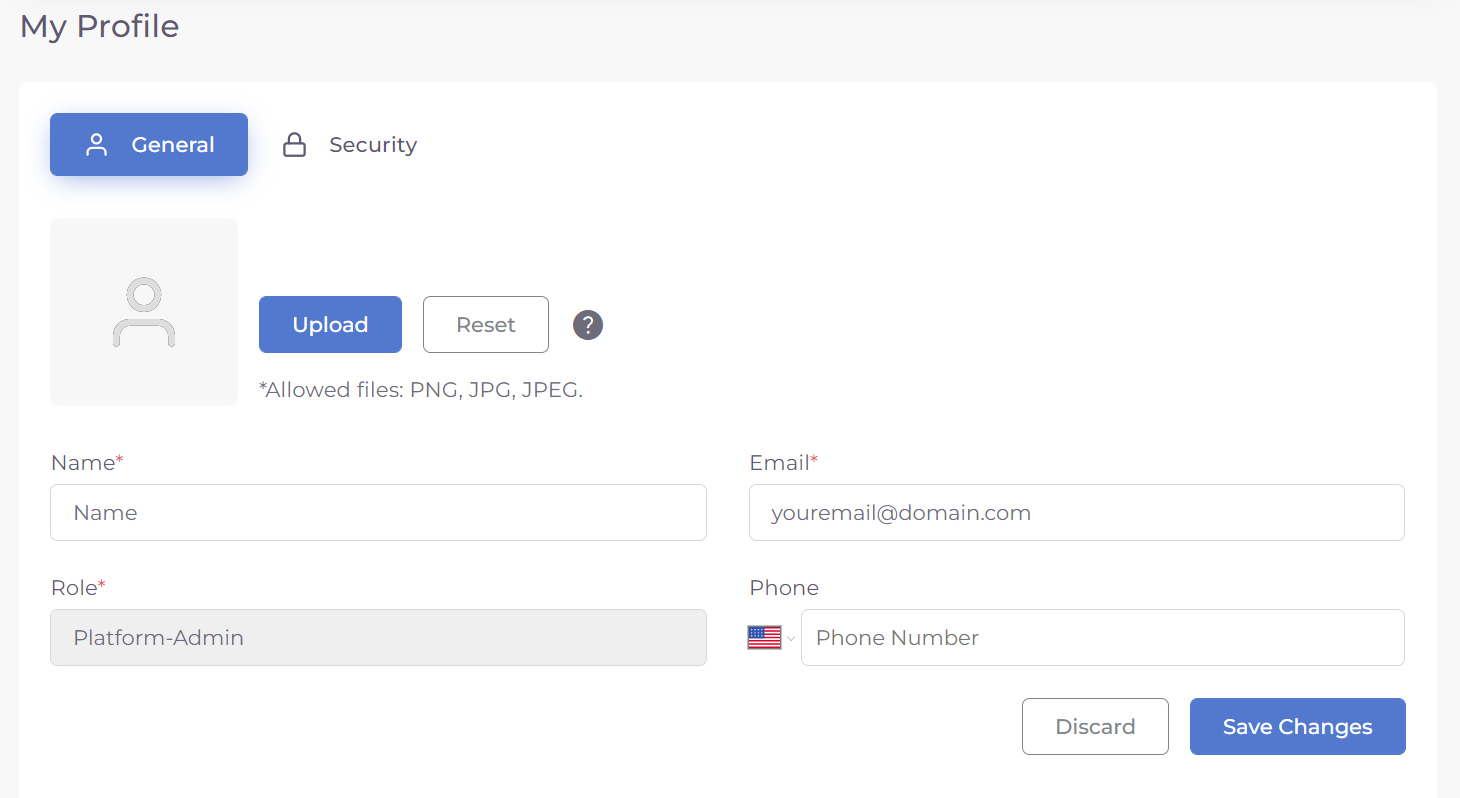
Step 4: Click on ‘Save Changes’ button to save the profile picture.
Was this article helpful?
That’s Great!
Thank you for your feedback
Sorry! We couldn't be helpful
Thank you for your feedback
Feedback sent
We appreciate your effort and will try to fix the article