Follow below steps to invite or add a business under an organization:
Step 1: From Left menu, select ‘Organization’ --> Managed Organization.
Step 2: To invite a business, click on ‘Invite’ button at the top right corner of the screen.
Step 3: Enter E-Mail, Name and select Type as ‘Business’.

Step 4: Click on ‘Invite Organization’ button to send the invite.
NOTE: System will send the invitation to the user on the specified email with login credentials.
OR
Step 2: To add a business, click on ‘Add’ button at the top right side of the screen
Step 3: Add logo and enter the Name, Address, Organization Type as ‘Business’.
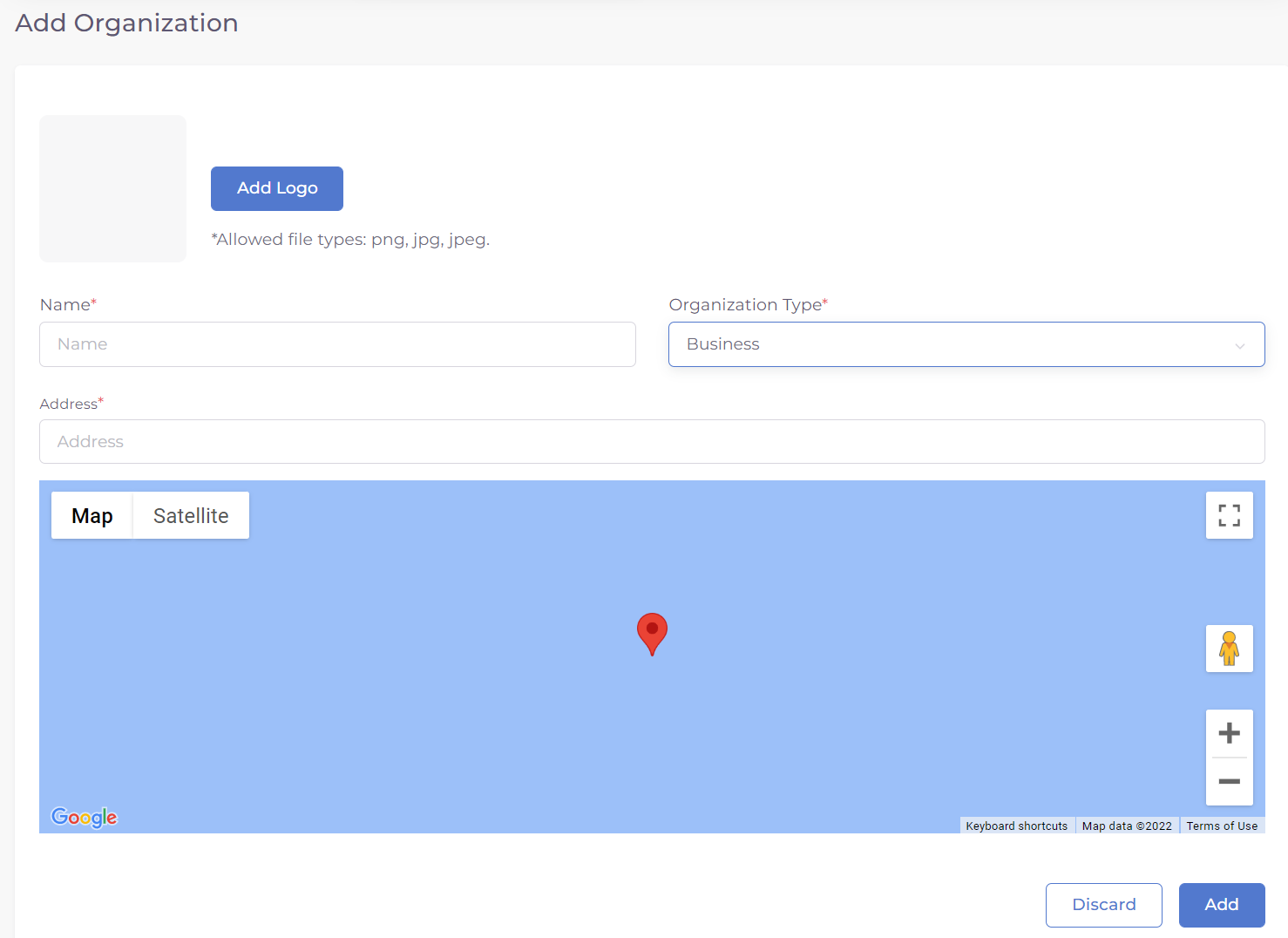
Step 4: Click on ‘Add’ button to add the business.
Was this article helpful?
That’s Great!
Thank you for your feedback
Sorry! We couldn't be helpful
Thank you for your feedback
Feedback sent
We appreciate your effort and will try to fix the article