Following are the steps to create custom Radio Access profile and apply to some of the Access Points:
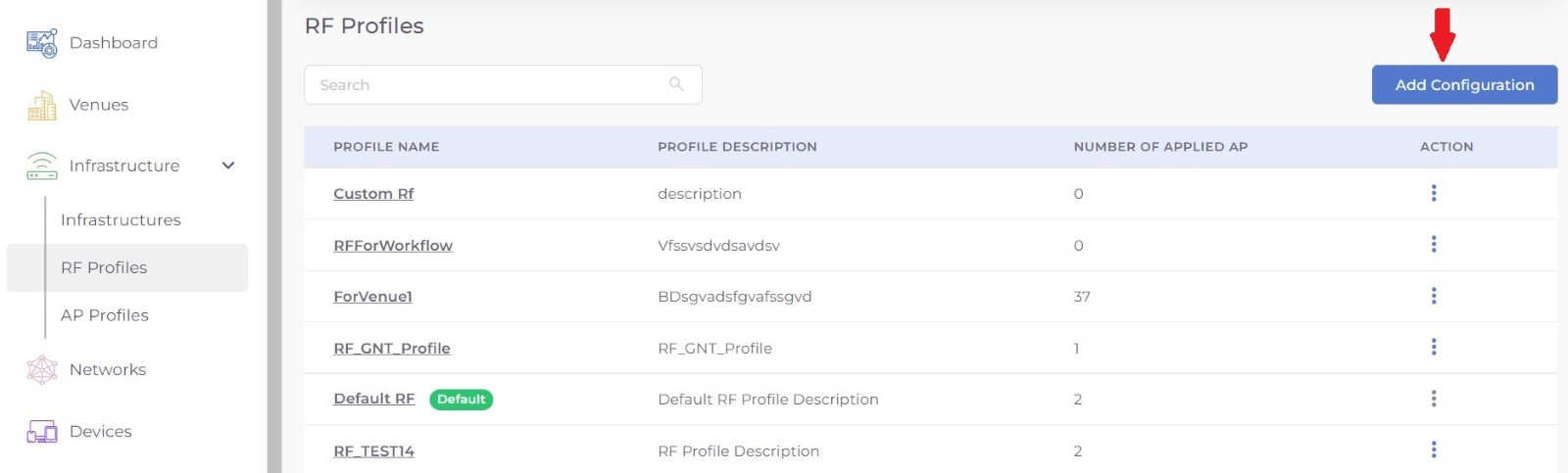
Step 1: Select RF Profiles under Infrastructure from the menu
Step 2: Click on Add Configuration Button.
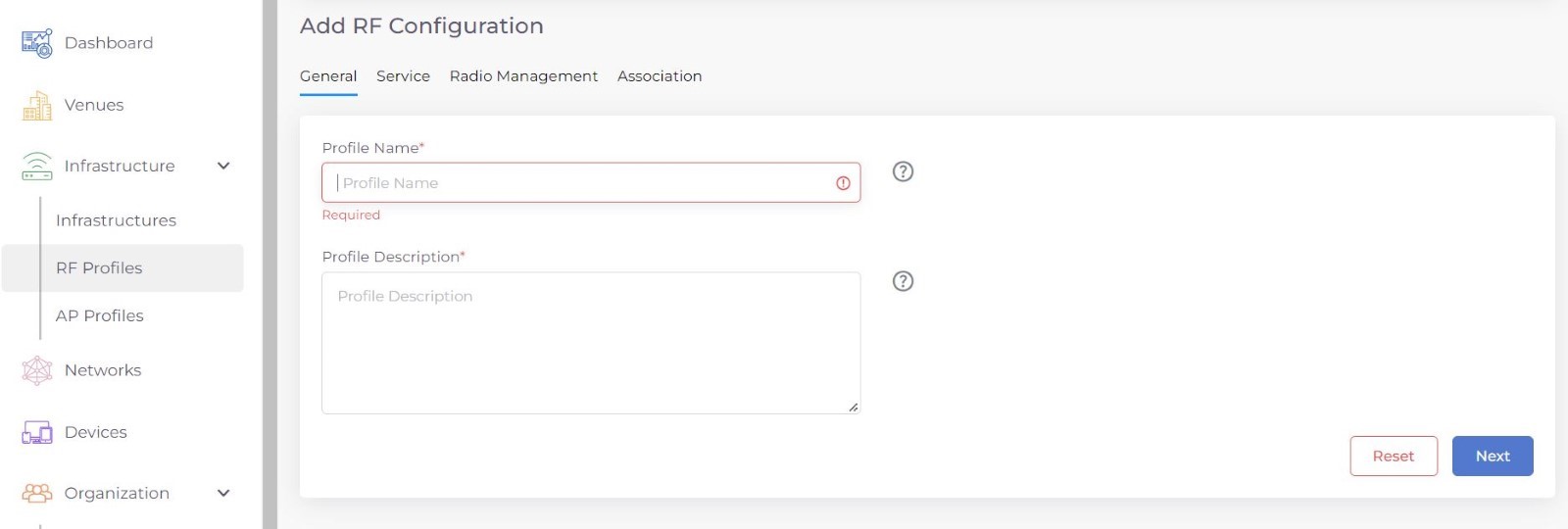
Step 3: Add name and description of the profile ad press Next .
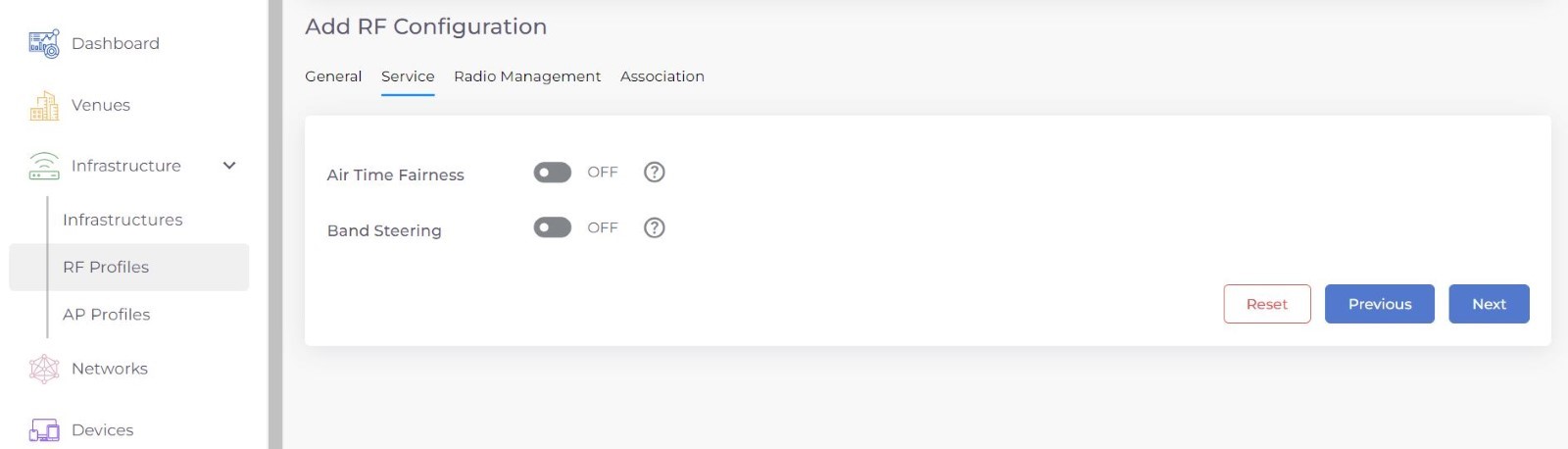
Step 4: Choose the Air time Fairness and Band Steering.
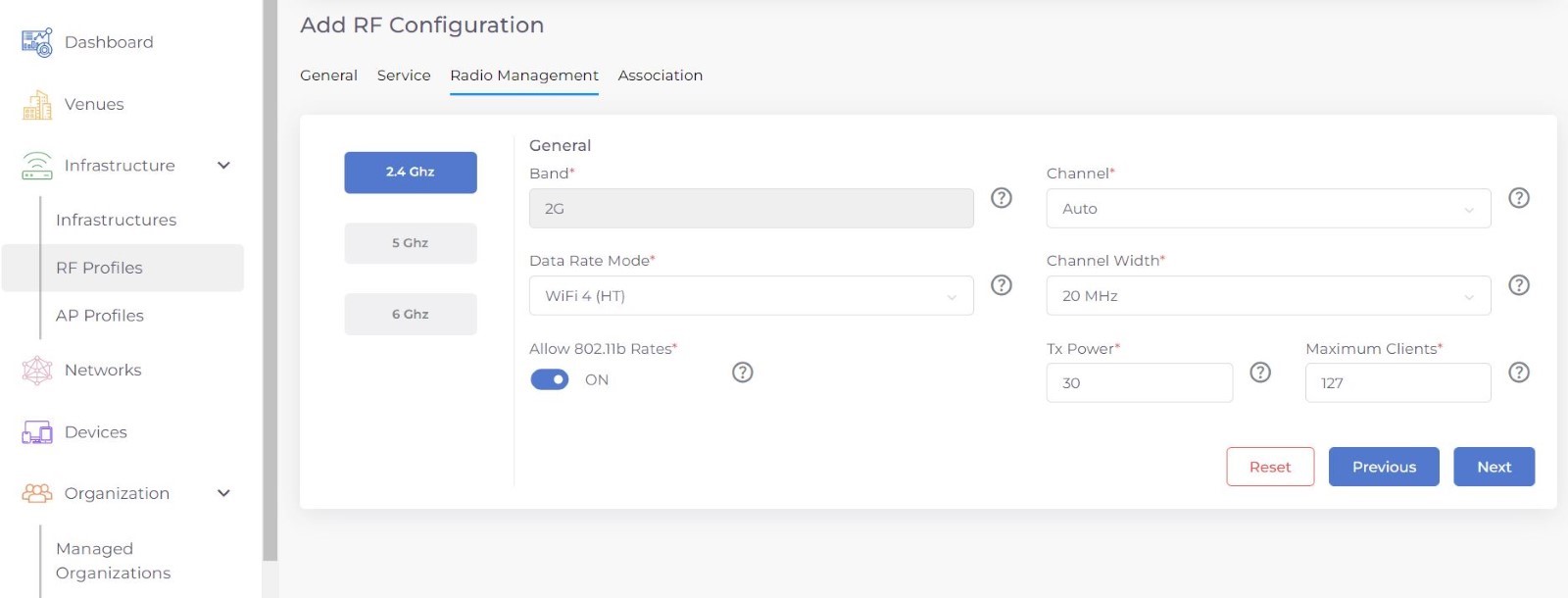
Step 5: Configure the Radio Management for the profile.
Step 6: Select the Associations for the RF Profile.
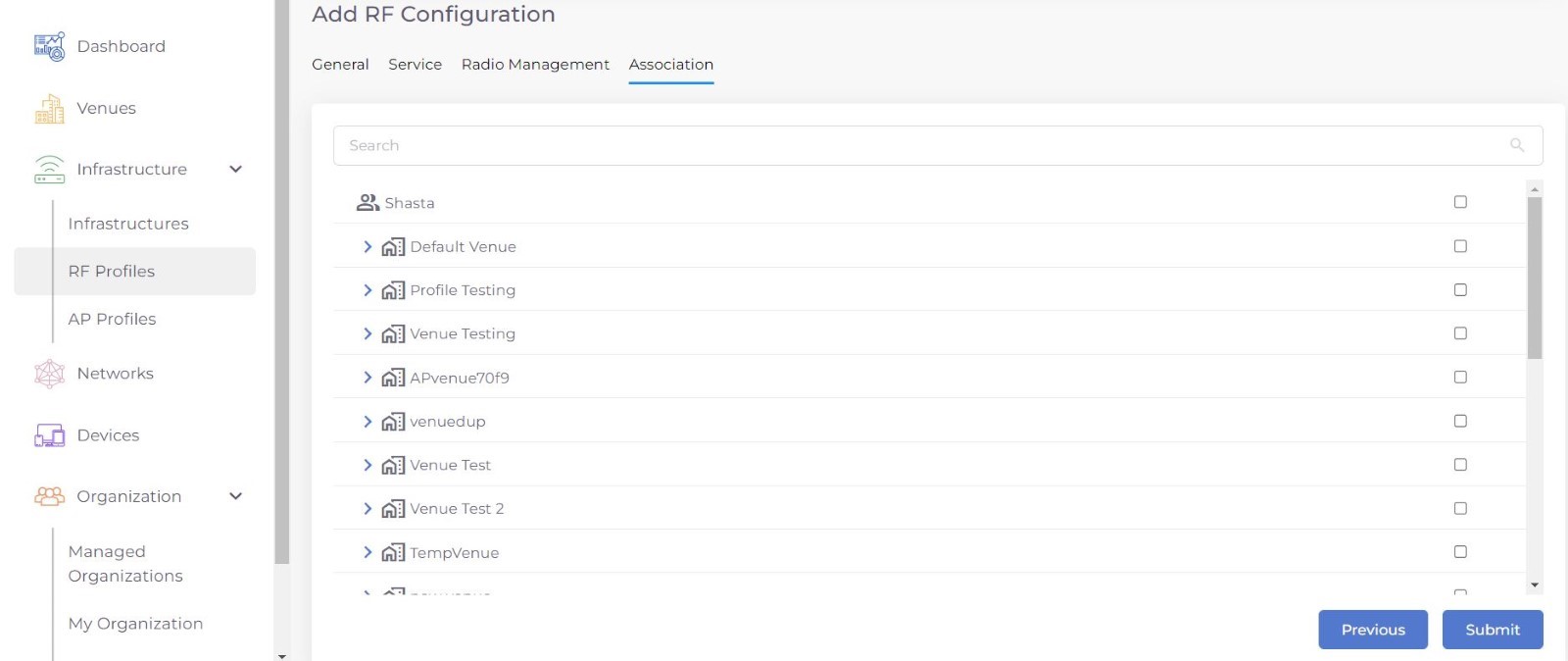
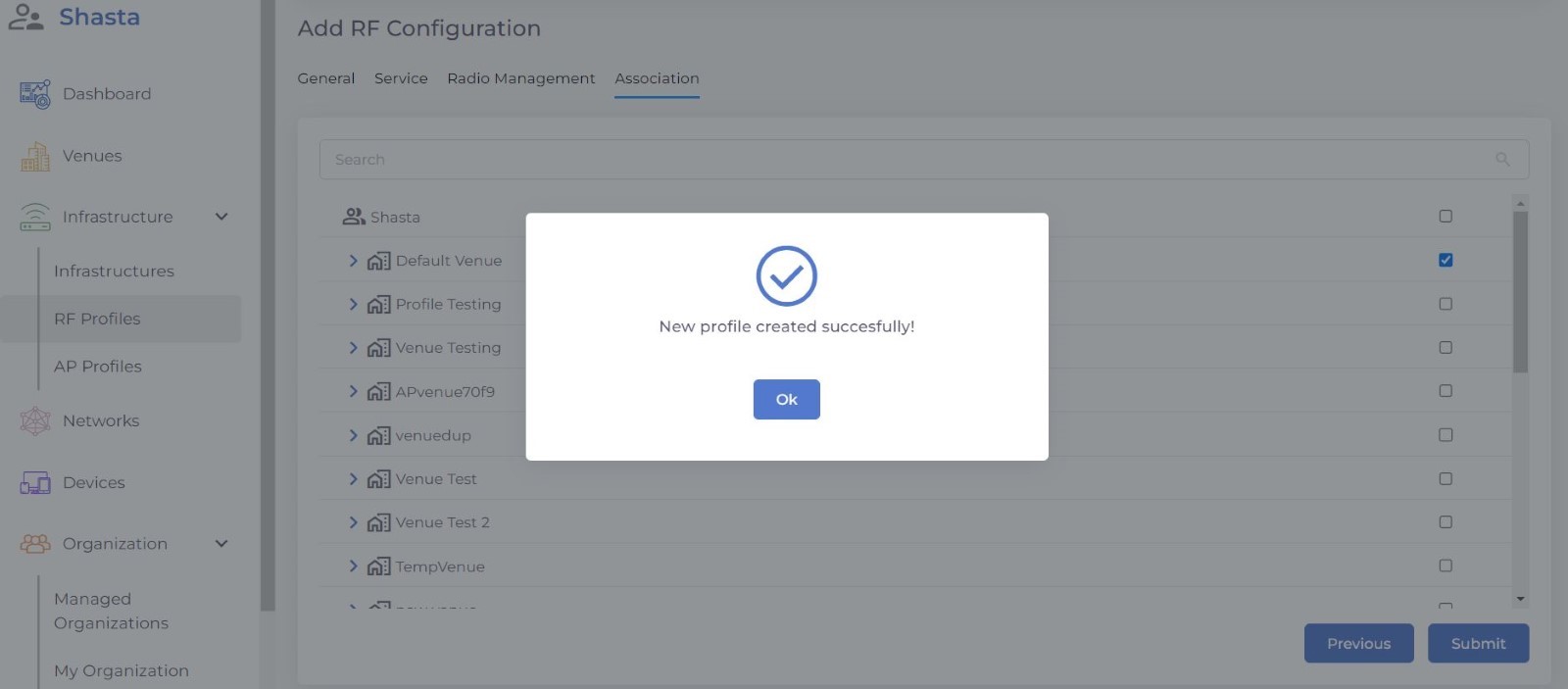
Step 7: After completing Press Submit.
Was this article helpful?
That’s Great!
Thank you for your feedback
Sorry! We couldn't be helpful
Thank you for your feedback
Feedback sent
We appreciate your effort and will try to fix the article